
Updated on
Finding a reliable IPTV service in 2026 is not straightforward. The market is flooded with offers — half of which disappear within a few weeks, without refunds or explanations. Between providers who promise thousands of channels but deliver overloaded servers, and those who sell access to pirated streams that go down the moment a popular movie launches, it becomes hard to know where to turn. This guide gives you the tools to identify what truly matters and make the right choice the first time, avoiding the most common pitfalls.
Why Choose IPTV Over Separate Streaming Subscriptions
Streaming platforms (Netflix, Prime Video, Disney+) each cover one slice of what people watch, and live sports or international channels usually need extra subscriptions on top. IPTV consolidates into a single subscription thousands of live channels from many countries, live sports, and a VOD library updated weekly.
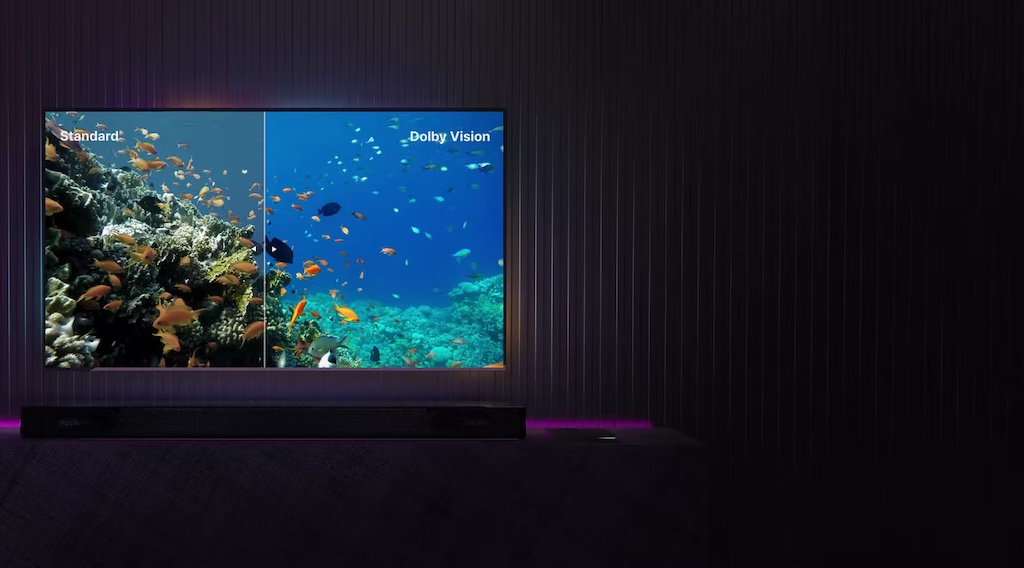
In 2026, the best IPTV services offer between 50,000 and 40,000+ TV streams across all categories: news, sports, entertainment, kids and international packages. The VOD catalog routinely exceeds 100,000 titles, with weekly additions. Quality ranges from SD to 4K HDR depending on the channels and the plan selected.
The 5 Essential Criteria for Choosing Your IPTV Service in 2026
1. Server Stability Above All
Stability is the number one criterion, by far. An unstable service causes mid-stream dropouts, channel list loading errors, playlists that expire, and servers that go down on weekends or during major sporting events. A good IPTV provider must communicate transparently about its actual uptime — the target is a minimum of 99.5%. This means an infrastructure with geographic redundancy, servers in multiple countries, and the capacity to absorb peak loads without degrading quality.
Be wary of providers who give no technical information about their infrastructure. A service that cannot tell you where its servers are or how many simultaneous clients it can handle likely has no serious infrastructure. Always test with a free trial during peak hours (8 PM–11 PM) before committing to a long-term subscription.
2. Quality and Depth of the Catalog
Not all IPTV catalogs are equal. Criteria to verify: the number of live channels in the categories you actually watch (not just the headline total), stream quality (SD, HD, Full HD, 4K), freshness of the VOD catalog (how many new titles per week?), coverage of the countries and languages you need (Canadian, American, French, Spanish), and live sports without delay. A quality catalog is also organized into clear packages by country and theme, making navigation through thousands of channels much easier.
3. Multi-Device and Multi-Format Compatibility
You must be able to watch from your TV, smartphone, tablet, and PC without installing obscure software or performing advanced technical steps. The most compatible formats in 2026 are IPTV Smarters Pro (Android, iOS, PC, Android TV), TiviMate (Android TV), GSE Smart IPTV (Apple TV, iOS), VLC (PC/Mac), and native Smart TV apps via SS IPTV or Smart IPTV. The connection should work via Xtream Codes (most stable) or M3U URL (most universal).
A good IPTV service provides credentials in both formats and offers setup documentation for common devices. If the provider only offers unknown APK files or third-party apps not available on official app stores, that is a red flag.
4. Responsive Customer Support
A good IPTV service is also recognizable by the quality of its support. Initial setup, connection issues, or questions about the catalog sometimes require prompt assistance. Prefer providers reachable via WhatsApp or real-time chat, with support available 7 days a week. A response time exceeding 4 hours during business hours is a bad sign. The best services respond in under an hour.
Also check that the provider offers online documentation (FAQ, setup guides) for common issues. This demonstrates solid organization and reduces your dependence on support for basic configurations.
5. Transparent Pricing and Flexible Plans
The monthly price of a serious IPTV service ranges from $10 to $20 for 1 screen. Long-term subscriptions (6 or 12 months) offer significant discounts of 30 to 50% compared to the monthly rate. Multi-screen plans (2 to 5 simultaneous connections) allow you to cover an entire household or share costs.
Be wary of offers under $5/month: they almost always correspond to undersized infrastructure, servers shared among thousands of other users, and a very short service lifespan. A quality IPTV service represents a real infrastructure cost that rock-bottom prices cannot cover.
Why Avoid Budget IPTV Services
IPTV providers at $3–5/month consistently share the same problems: servers based in countries with unreliable infrastructure, no identifiable support, playlists that expire without notice, no refund guarantee. The majority of these services shut down within 3 to 6 months, leaving their customers without access overnight. Some resell the same credentials to dozens of simultaneous users, degrading quality for everyone.
The real cost of quality IPTV infrastructure — dedicated servers, sufficient bandwidth for thousands of simultaneous streams, channel encoding, VOD catalog updates — cannot be made profitable at under $10/month per user. Anything below that involves major compromises on quality or service longevity.
Our Selection: IPTV X HUB
IPTV X HUB is an IPTV service operated by Trifort LLC, a company registered in Wyoming, USA (1309 Coffeen Avenue STE 2200, Sheridan, WY 82801), active since 2020. The legal entity, physical address, and tax identification number are public — a level of transparency rare in this sector.
- 54,026 live TV channels organized into 884 geographic and themed packages
- 169,526 VOD movies from a large international catalog
- 53,000+ series indexed by genre and nationality
- SD, HD, Full HD, and 4K quality depending on the channel — HEVC streams for 4K content
- Activation in under 30 minutes after payment confirmation
- Support in English and Spanish, 7 days a week via WhatsApp
- Xtream Codes and M3U compatibility for all common players
Catalog Breakdown by Category
The IPTV X HUB catalog is structured into clear themed packages. You will find: Canadian and international channels, news, sports, entertainment, kids, movie and series channels, organized by country and theme. The VOD section is organized by genre, nationality and release year to make navigation through a catalog of over 100,000 titles easy.
The catalog is updated regularly: new VOD releases added each week, defective channels replaced within 48 hours, new themed channels added as the industry evolves. The program guide (EPG) is available for major domestic and international channels.
Available Plans and Pricing
- 1 month — ideal for testing the service without commitment
- 6 months — the best balance of flexibility and savings
- 12 months — most cost-effective, 40 to 50% savings vs. monthly
- Premium — expanded catalog with exclusive content, maximum quality guaranteed
- 2-connection multi-screen — for a couple or two rooms
- 3, 4, or 5-connection multi-screen — for a full household
All subscriptions give access to the full channel and VOD catalog from activation. Multi-screen plans use a single set of credentials for all simultaneous connections.
Which Devices to Watch IPTV X HUB On
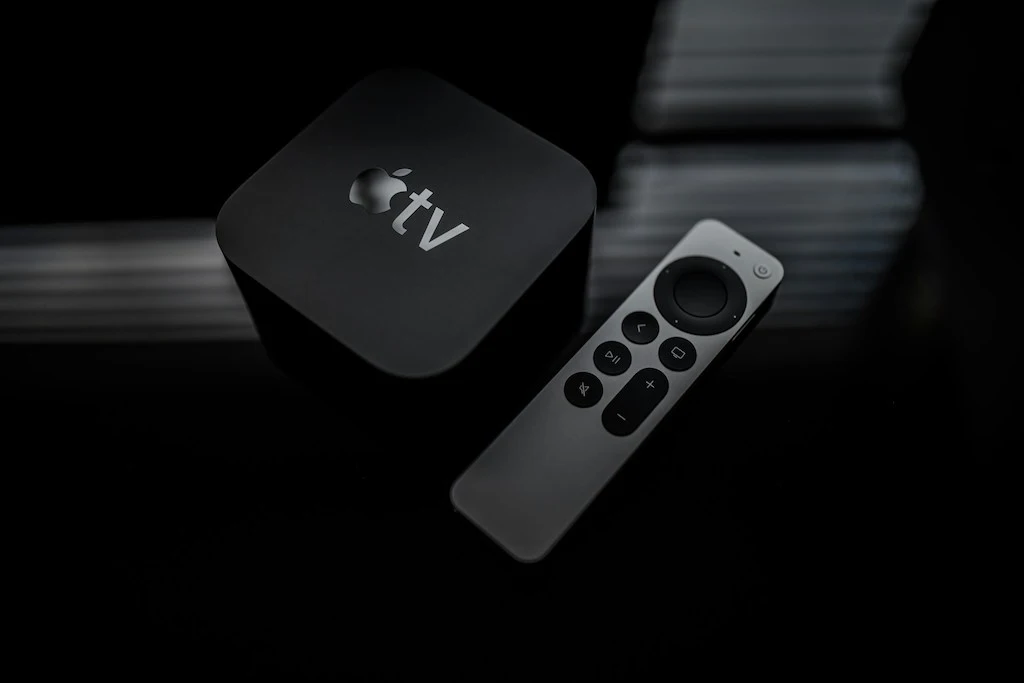
The service is compatible with all common devices without restriction. On Android TV / Google TV: IPTV Smarters Pro and TiviMate are available on the Play Store. On Apple TV 4K: GSE Smart IPTV or Flex IPTV via the tvOS App Store. On Formuler Z12: native MY-IPTV app or IPTV Smarters Pro. On Amazon Fire Stick 4K: IPTV Smarters Pro available directly on the Amazon Appstore. On Samsung Smart TV: SS IPTV or Smart IPTV. On iOS and Android smartphones: IPTV Smarters Pro. On PC/Mac: VLC or IPTV Smarters Pro desktop version.
Setup in 3 Steps
- Subscribe: choose your plan on the homepage and complete payment (Visa, Mastercard, Apple Pay, or bank transfer)
- Receive your credentials: within 30 minutes you receive your server URL, username, and password via WhatsApp or email
- Configure: install IPTV Smarters Pro (or the app suited to your device), add your Xtream Codes credentials, and start watching
Support assists with initial setup if needed. Setup guides for the most common devices are available directly via WhatsApp support.
Frequently Asked Questions
Does IPTV work without an antenna or cable TV?
Yes, entirely. The IPTV service runs over your existing internet connection (fiber, cable, DSL, or 4G/5G) with no antenna, satellite decoder, or TV cable required. You do not need to modify your current setup — only an internet connection and a compatible device are needed. A connection of at least 25 Mbps is recommended for comfortable Full HD viewing on one screen.
Can you watch from abroad?
Yes. The service works from anywhere in the world where an internet connection is available. No VPN is required. IPTV streams are not subject to geographic restrictions.
What internet speed is needed?
For 1 screen in Full HD: 15 to 20 Mbps minimum. For 1 screen in 4K HDR: 25 to 40 Mbps. For 3 simultaneous screens in Full HD: plan for 50 to 60 Mbps available on the line. Fiber at 100 Mbps or higher covers all use cases, including 4K multi-screen.
How does the free trial work?
A free trial is available on request via WhatsApp before subscribing to a paid plan. You receive temporary credentials valid for 12 to 24 hours to test stream quality, server stability, and catalog navigation from your own internet connection and devices. This is the best way to verify compatibility before any commitment.
Is the service available 24/7?
Yes. Live channels and the VOD catalog are accessible at any time of day or night, 7 days a week. Planned maintenance is rare and carried out during off-peak hours with prior notice. In the event of a technical issue, support is reachable via WhatsApp for a quick resolution.
What payment methods are accepted?
Visa, Mastercard, Apple Pay, and SEPA bank transfer. No PayPal account required. Payments are processed securely. No banking information is stored on the service’s servers.
Conclusion
In 2026, choosing an IPTV service comes down to balancing price, stability, and catalog. Budget offers disappoint quickly; serious services stand out through transparency, infrastructure, and support. IPTV X HUB combines the essential criteria: a registered company, 40,000+ TV streams, a VOD catalog of over 169,000 titles, and human support in English available 7 days a week. Choose your plan directly on the homepage or request a free trial via WhatsApp to test before subscribing.
Next steps
Not subscribed yet? Try IPTV X Hub free for 24 hours, compare the plans, or ask our support team for help with your device.
Disclosure: outbound links to IPTV Smarters Player, TiviMate point to the vendors' official websites. We receive no affiliate compensation for these mentions; they help you download the original app and avoid unofficial copies.
Leave a comment
Your email address will not be published. Required fields are marked with *.