

Choosing the right adult IPTV box makes a radical difference in your experience: an underpowered box causes buffering, slow navigation, and incompatibility with 4K HDR streams. This comparison analyzes the 5 best boxes available in 2026, from entry-level to premium, with their real strengths and limitations.
Quick Comparison of the 5 Best IPTV Boxes
| Box | Approximate Price | RAM | 4K HDR | Best For |
|---|---|---|---|---|
| Formuler Z12 | ~$165 | 4 GB | HDR10+ / DV | Advanced IPTV users, 4K, longevity |
| Nvidia Shield Pro (2019+) | ~$220 | 3 GB | HDR10 / DV | Versatility, Plex, gaming |
| Amazon Fire Stick 4K Max | ~$60 | 2 GB | HDR10+ / DV | Tight budget, simple use |
| Xiaomi Mi Box S (2nd gen) | ~$60 | 2 GB | HDR10 / HLG | Pure Android TV, best value |
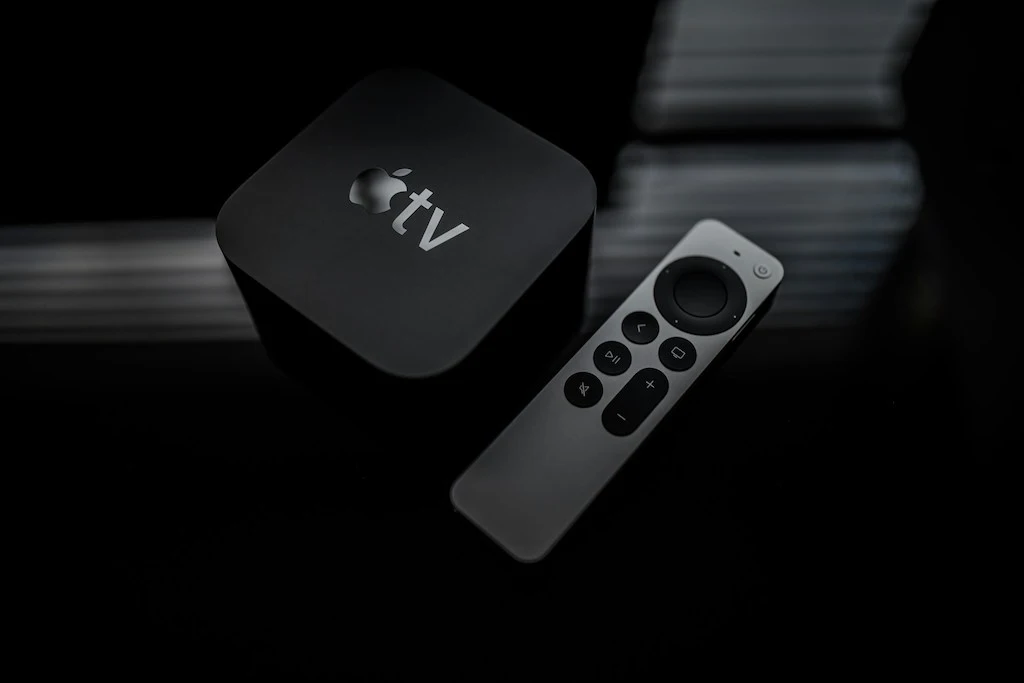
| Apple TV 4K (3rd gen) | ~$130 | 4 GB | HDR10 / DV | Apple ecosystem, AirPlay, tvOS |
1. Formuler Z12 — The IPTV Champion
The Formuler Z12 is designed specifically for IPTV. Its octa-core Amlogic S922X processor with 4 GB DDR4 RAM handles 40,000+ TV streams lists, 4K HDR10+ streams, and Dolby Atmos effortlessly. The MyTVOnline 2 app, pre-installed and optimized for this hardware, delivers ultra-smooth remote navigation with channel switching in under 1 second.
Strengths: native Gigabit Ethernet port, HDMI 2.1, USB 3.0 × 2 for recording, firmware regularly updated by Formuler, Bluetooth remote with microphone (voice search). Weaknesses: high price, interface less modern than some competitors, fewer apps than Fire Stick or Apple TV.
2. Nvidia Shield Pro — Ultimate Versatility
The Nvidia Shield Pro is the most powerful Android TV box on the consumer market. Its Tegra X1+ processor and 3 GB of RAM (16 GB storage) can simultaneously run IPTV Smarters Pro, Plex Media Server (whole-home server), retro game emulation, and GeForce Now gaming. For IPTV, performance is excellent: a 4K H.265 stream starts in under 1.5 seconds over Ethernet.
Strengths: the most future-proof box on the market (Android updates since 2015), AI upscaling (upscales HD content to 4K), Gigabit Ethernet port, expandable storage via USB. Weaknesses: premium price, basic remote (the Pro model includes a game controller), no dedicated IPTV app (uses third-party apps).
3. Amazon Fire Stick 4K Max — Best Value
At $60, the Fire Stick 4K Max is the ideal entry point for IPTV. It supports 4K UHD, HDR10+, HLG, and Dolby Vision. Installing IPTV Smarters Pro requires enabling “Unknown sources” but remains straightforward. Main limitation: 2 GB of RAM causes slowdowns when loading very large channel lists (40,000+ TV streams via M3U). Solution: use Xtream Codes instead of M3U — the list loads page by page and does not consume all RAM.
Strengths: low price, discreet (tucks behind the TV), Fire OS allows APK sideloading, good Amazon customer support. Weaknesses: limited RAM, Amazon interface filled with ads, no native Ethernet port (Ethernet adapter sold separately for ~$15).
4. Xiaomi Mi Box S (2nd Generation) — Pure Android TV
The second-generation Mi Box S runs pure Android TV 11 (no manufacturer overlay), which guarantees fast Android TV updates and a full Play Store. Amlogic S905X4-K processor with 2 GB of RAM — solid performance for HD and 4K H.265 streams. Built-in Chromecast support lets you cast content from a smartphone directly to the TV.
Strengths: pure Android TV, affordable price (~$60), full Play Store, compact, HDMI 2.1 for 4K output. Weaknesses: 2 GB RAM = occasional slowdowns with massive channel lists, no native Ethernet port (adapter needed for wired connections), voice microphone limited to Google services.
5. Apple TV 4K (3rd Generation) — For Apple Users
The 3rd-generation Apple TV 4K brings the IPTV experience into the Apple ecosystem. IPTV Smarters Pro is available on the tvOS App Store. The A15 Bionic chip with 4 GB of RAM delivers top-tier performance: no list size limitations, instant channel switching, effortless 4K HDR decoding. Integration with Siri, AirPlay 2, and the Apple TV app is a significant advantage if you are already in the Apple ecosystem (iPhone, iPad, Mac).
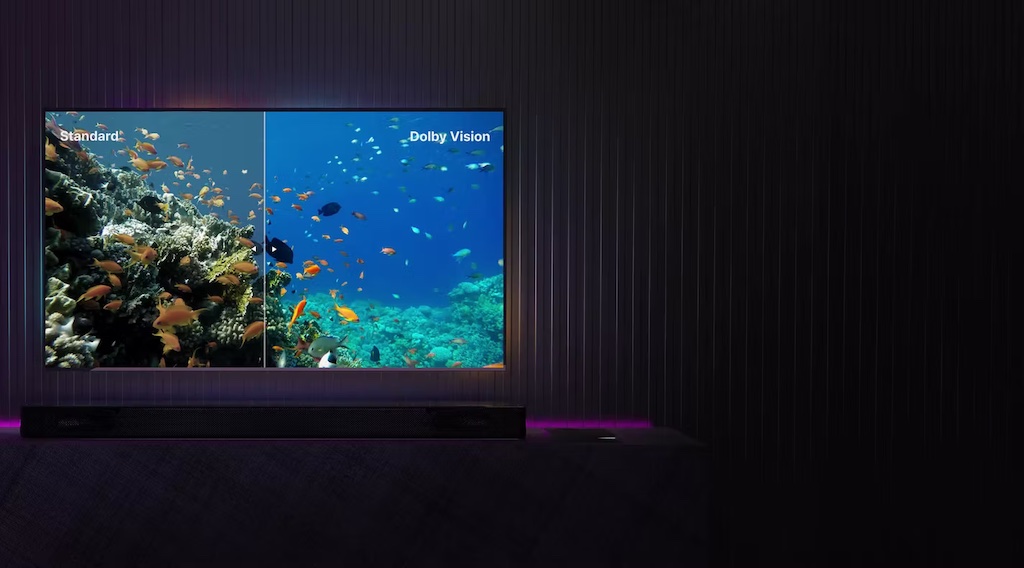
Strengths: most powerful chip in its category, native Dolby Vision + Dolby Atmos, AirPlay 2, Thread (home automation), long-term updates guaranteed by Apple. Weaknesses: high price (~$130), closed ecosystem (no Android APK sideloading), fewer IPTV apps available on tvOS than Android.
How to Choose Based on Your Situation
Pure IPTV priority: Formuler Z12. Built for it, dedicated app, best remote/channel navigation integration.
Tight budget, solid experience: Fire Stick 4K Max. $60 for 4K HDR, IPTV Smarters Pro works great with Xtream Codes.
Maximum versatility (IPTV + Plex + gaming): Nvidia Shield Pro. A long-term investment, hardware kept updated since 2015.
Already in the Apple ecosystem: Apple TV 4K 3rd gen. Siri integration, AirPlay, peak performance.
FAQ — IPTV Boxes
Do I need a box if my TV is already a Smart TV?
If your Smart TV runs Android TV (some Sony, TCL, Philips models), you can install IPTV Smarters Pro directly. If it runs Tizen (Samsung) or WebOS (LG), those systems do not support Android apps: you will need an external box.
How long does an IPTV box last?
A quality box (Formuler, Nvidia Shield) lasts 5 to 8 years with regular updates. Budget no-name boxes last 2 to 3 years before being abandoned by their manufacturer. Investing in a recognized brand costs less over time.
Is 4K really necessary for IPTV?
Not necessary, but clearly superior on a 55-inch or larger TV at a normal viewing distance (6–10 feet). On a 40-inch or smaller TV, the 4K vs 1080p difference is hard to perceive at normal distance. In practice, most IPTV channels are still in 1080p HD — 4K is most relevant for VOD movies.
What Makes an IPTV Box Perform Well?
A high-performing IPTV box depends on three critical components: the processor (CPU/GPU), the amount of RAM, and support for hardware decoding protocols. A weak processor cannot decode H.265 4K streams in real time, causing visual artifacts or buffering. Insufficient RAM slows down loading of large channel lists and causes app crashes. The absence of a hardware H.265 decoder forces software decoding (CPU), which overheats the device and shortens its lifespan.
Beyond hardware, firmware quality and update frequency make an enormous difference over time. A $30 no-name box may seem to perform well at purchase but end up without Android updates within 18 months, leaving the user exposed to security vulnerabilities and growing incompatibility with newer versions of IPTV apps.
Boxes to Avoid: Common Pitfalls
The IPTV box market is flooded with no-name products sold between $15 and $45 on Amazon or AliExpress. These boxes typically run Allwinner H313 or Rockchip RK3228 processors, with 1 to 2 GB of RAM, and run modified versions of Android without Google certification. Common problems: incompatibility with newer versions of IPTV Smarters, no certified hardware H.265 decoder, unstable Wi-Fi, and firmware updates stopping within 6 to 12 months.
Be especially cautious with “Android TV” boxes that are not Google-certified. The “Android TV” label protected by Google guarantees a standardized interface and regular updates. An “Android TV-style” box without certification may look like Android TV but comes with no quality or update guarantee.
Refurbished Boxes: Good Deal or Risk?
Buying a refurbished Formuler Z12 or Nvidia Shield can save 30 to 50% compared to new prices. Reputable refurbishers (Back Market, CertiDeal, authorized resellers) test the device, replace faulty parts, and offer 6-month to 1-year warranties. Things to check before buying: condition of the remote (often worn), firmware version included, and whether the warranty covers hardware defects. The firmware can be updated to the latest version — no risk of missing updates.
Chromecast with Google TV: The Overlooked Alternative
The Chromecast with Google TV (4K, ~$70) is often overlooked in IPTV comparisons but deserves a mention. It runs Google TV (Google’s overlay on Android TV), has a hardware H.265 decoder, supports 4K HDR10+ and Dolby Vision, and accepts IPTV Smarters Pro from the Play Store. Its Amlogic S905D3G processor with 2 GB of RAM is sufficient for HD and 4K — same limitation as the Mi Box S on very large lists.
Unique strength: the remote has dedicated YouTube and Netflix buttons, and Google TV navigation integrates your SVoD services (Netflix, Disney+, Amazon) into a single unified guide. If you use both IPTV and SVoD platforms, the Chromecast with Google TV offers a unified interface that no other box matches at this price.
Additional FAQ — IPTV Boxes
Can I use an IPTV box with a projector?
Yes, as long as the projector has an HDMI input. Android TV boxes (Formuler, Shield, Mi Box) connect to a projector just like a TV. For 4K, verify that your projector supports native 4K resolution — many “4K” projectors actually display in 1080p with pixel shifting. In practice, a 1080p home theater projector paired with a Fire Stick 4K delivers excellent results.
Which remote works with all boxes?
Universal remotes compatible with HDMI-CEC control your Android TV box through your TV’s HDMI port. Logitech Harmony (discontinued line but available used) and SofaBaton are the market references. Alternative: use the smartphone remote app (Fire TV App for Fire Stick, Formuler Remote for Z12, or Android TV Remote for other Android TV boxes).
Disclosure: outbound links to IPTV Smarters Player point to the vendors' official websites. We receive no affiliate compensation for these mentions; they help you download the original app and avoid unofficial copies.
Leave a comment
Your email address will not be published. Required fields are marked with *.