
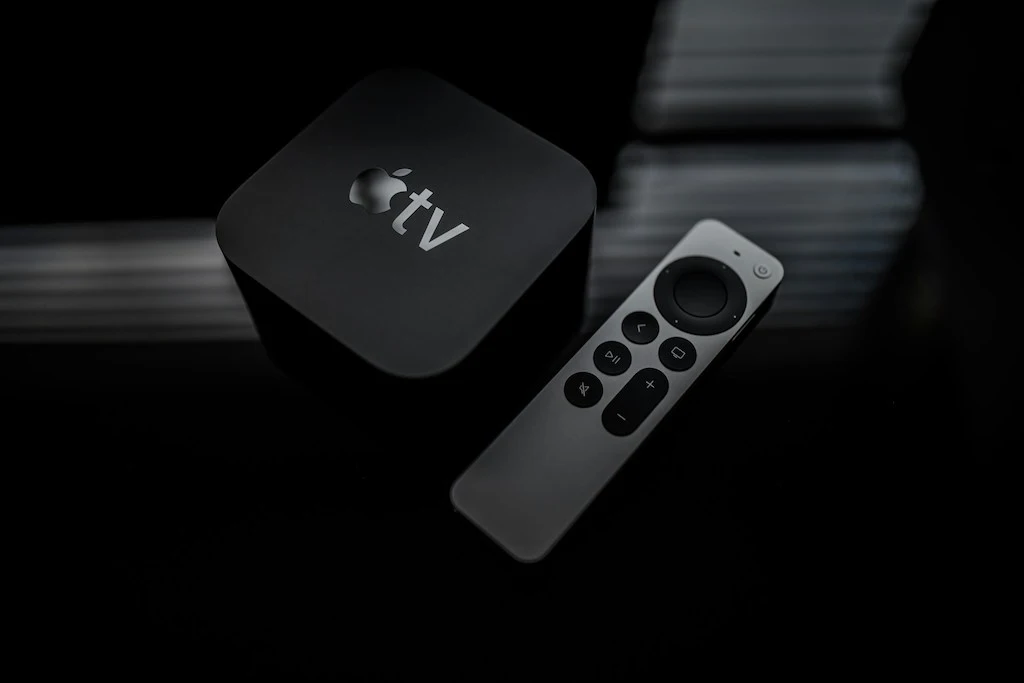
The Apple TV 4K is one of the best platforms for IPTV thanks to its A15 Bionic chip, native support for Dolby Vision and Dolby Atmos, and the availability of IPTV Smarters Pro on the tvOS App Store. This guide covers the complete installation, optimal configuration, and tvOS-specific settings for an uncompromising 4K HDR IPTV experience.
Compatibility and Apple TV Models
| Model | Chip | 4K HDR | IPTV Smarters | Recommended? |
|---|---|---|---|---|
| Apple TV 4K (3rd gen, 2022) | A15 Bionic | 4K, HDR10, DV, HLG | Yes | Yes (optimal) |
| Apple TV 4K (2nd gen, 2021) | A12 Bionic | 4K, HDR10, DV, HLG | Yes | Yes (excellent performance) |
| Apple TV 4K (1st gen, 2017) | A10X Fusion | 4K, HDR10, DV | Yes | Acceptable |
| Apple TV HD (4th gen) | A8 | 1080p max, no 4K | Yes | No (no 4K) |
Installing IPTV Smarters Pro on Apple TV
Unlike Android, tvOS does not allow APK installation or sideloading from outside the App Store. IPTV Smarters Pro is available on the tvOS App Store — it is the recommended IPTV app on Apple TV. Installation is standard:
- On your Apple TV, open the App Store
- Search for “IPTV Smarters Pro”
- Download the app (paid, approximately $6.99)
- Launch the app and tap “Add User”
- Select “Login with Xtream Codes API”
- Enter your server URL, username, and password
Text entry on Apple TV can be done via the Siri Remote (swipe your finger on the touch surface to select letters) or via your iPhone/iPad if you have the Apple TV Remote app installed — your iPhone keyboard appears automatically for input fields.
Alternatives to Smarters on tvOS
IPTV Smarters Pro is not the only option on Apple TV. Available alternatives on the tvOS App Store include:
GSE Smart IPTV Pro: interface similar to Smarters, supports M3U and Xtream Codes. Strong reputation for stability on iOS/tvOS. Free with in-app purchases for advanced features.
Infuse 7: primarily a local file and NAS player, but can play M3U IPTV URLs. Premium interface, excellent HDR/Dolby Vision support. Requires an annual subscription for full features.
VLC for tvOS: free and open-source. Can play an M3U URL directly. Basic interface with no category navigation or EPG. Useful as a troubleshooting or testing solution.
tvOS Settings for 4K HDR IPTV
Resolution and Frame Rate
Apple TV Settings → Video and Audio → Format: select “4K HDR”. If your TV supports Dolby Vision, select “4K Dolby Vision”. Apple TV automatically adapts the frame rate (Match Content) based on the content — enable this in Settings → Video and Audio → Match Frame Rate → enable both “Dynamic” and “Cinema”.
Color Mode and Audio Output
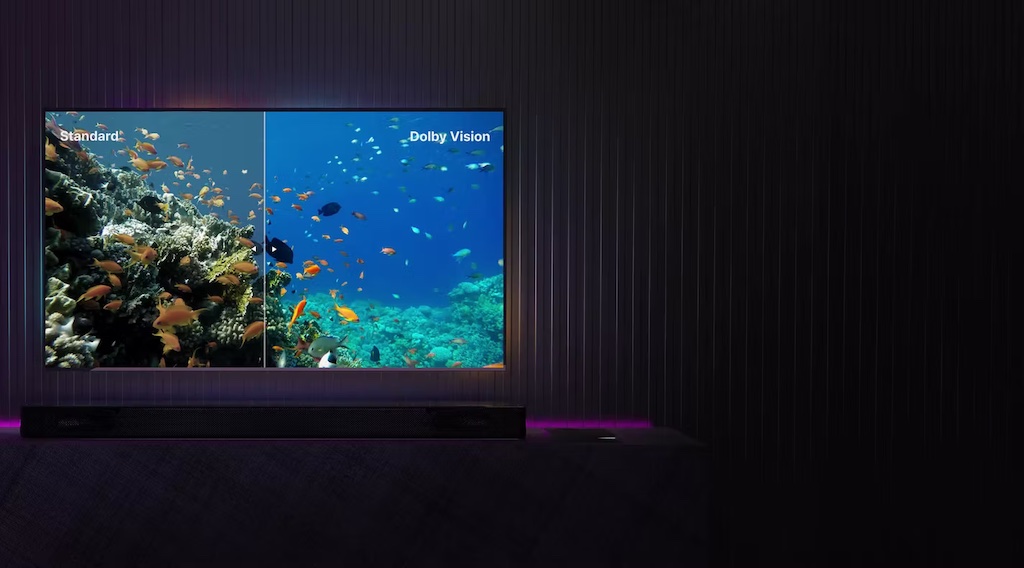
In Settings → Video and Audio → Color Mode: leave on “Automatic”. Apple TV detects your TV’s capabilities and sends the most appropriate format (REC.2020 for 4K HDR, DCI-P3 for Dolby Vision). For audio, select “Automatic” — Apple TV passes through Dolby Atmos or Dolby Digital 5.1 based on your audio equipment. If using a soundbar or AV receiver, enable HDMI ARC on your TV.
Using Siri and AirPlay with IPTV
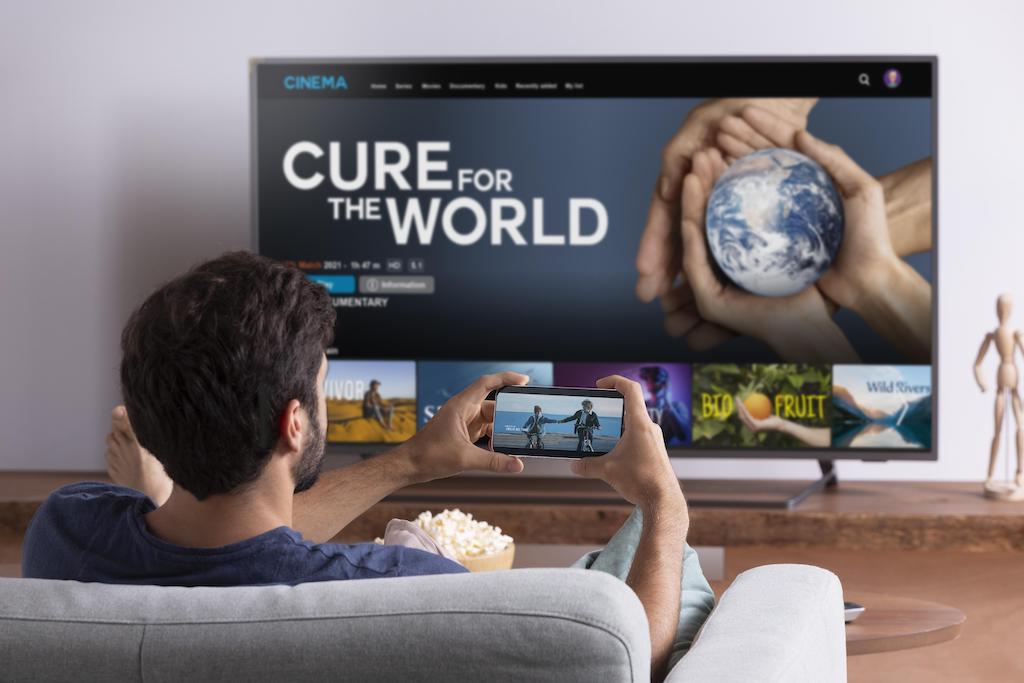
Siri integration on Apple TV allows voice commands in some IPTV apps. In IPTV Smarters Pro, voice search is limited (Siri cannot directly search for channels within third-party apps). However, AirPlay is fully functional: you can stream an IPTV feed from the Smarters app on your iPhone to the Apple TV in seconds — handy for sharing a channel without reconfiguring the main player.
Multi-Device Apple Configuration
If you have a 2-screen or multi-screen IPTV subscription, you can configure Smarters Pro on your Apple TV AND on your iPhone/iPad with the same account. Purchase the app on the App Store — in-app purchases shared via Family Sharing let up to 5 family members use Smarters on their devices without repurchasing the license.
On iPhone and iPad, IPTV Smarters Pro uses the same Xtream Codes account as on Apple TV. Convenient for continuing to watch a show on the go. On iPad, the interface adapts to the larger screen with a two-column view (channel list + player).
Troubleshooting tvOS-Specific Issues
IPTV Smarters crashes on launch on tvOS
Check that tvOS is up to date: Settings → System → Software Update. Recent versions of Smarters Pro require tvOS 16 minimum. If updating is not possible (Apple TV too old), try GSE Smart IPTV as an alternative.
Black screen when starting a channel
tvOS handles video decoding differently from Android. If a channel displays black, the stream codec is not natively supported by Apple’s AVFoundation framework. Contact your IPTV provider and ask whether the H.265 streams are encoded in Main or Main10 profile (10-bit). The Apple TV 4K supports both, but some unusual encodings may cause issues.
No audio on certain channels
tvOS handles certain audio formats differently. If a channel has video but no audio, the stream’s audio format (often AC-3 Dolby Digital or E-AC-3) is not being recognized correctly. In Apple TV Settings → Video and Audio → Dolby Audio: toggle between “Auto”, “On”, and “Off” to find what works. You can also force stereo 2.0 audio output in Smarters settings.
FAQ — IPTV on Apple TV
Is TiviMate available on Apple TV?
No. TiviMate is exclusively for Android TV. On Apple TV, use IPTV Smarters Pro or GSE Smart IPTV.
Can you install Android APKs on Apple TV?
No. tvOS is a closed system — only Apple-approved apps from the App Store can be installed. APK sideloading is not possible without a jailbreak (strongly not recommended).
Is the Apple TV 4K better than the Formuler Z12 for IPTV?
Depends on use case. The Apple TV 4K is superior for image quality (native Dolby Vision), Apple ecosystem integration, and software longevity. The Formuler Z12 is superior for pure IPTV navigation (dedicated MyTVOnline 2 app), flexibility (Android APKs, external sources), and features-to-price ratio. If you are 100% in the Apple ecosystem: Apple TV. If IPTV is your primary use: Formuler Z12.
Can you use the Apple TV remote to navigate in Smarters?
Yes, the Siri Remote is the standard remote for all tvOS applications, including Smarters Pro. The touch surface allows quick scrolling through long channel lists. The TV button returns to the tvOS home screen from anywhere within Smarters.
HomeKit and Matter: Apple TV as a Smart Home Hub
The 3rd-generation Apple TV 4K includes a Thread/Matter chip that makes it a smart home hub in addition to an IPTV player. If you have HomeKit-connected devices (Philips Hue lights, Ecobee thermostats, August locks), the Apple TV can control them even when you are away from home. This feature is entirely separate from IPTV — you can watch your IPTV subscription and have the Apple TV act as a smart home hub simultaneously.
To enable the home hub: the Apple TV must be connected to your TV (or in standby with “Always On” enabled) and on the same Wi-Fi network as your HomeKit devices. Activation is automatic once an Apple TV is detected on your iCloud account with the correct permissions.
AirPlay 2: Practical Use with IPTV
AirPlay 2 lets you stream from your iPhone, iPad, or Mac to the Apple TV. Practical use cases for IPTV:
Stream from iPhone: if you are watching a channel on IPTV Smarters Pro on your iPhone and want to continue on the big screen, tap the AirPlay icon in the app. Playback switches to the Apple TV in seconds. Quality may be slightly lower than streaming directly from the Apple TV (routed through your iPhone) but remains acceptable for HD.
Screen mirroring: enable “Screen Mirroring” from the iPhone Control Center to display exactly what you see on your phone on the TV. Useful for IPTV apps that do not have an Apple TV version but exist on iOS.
Optimizing the Siri Remote for IPTV
The Siri Remote included with the Apple TV 4K (3rd gen) has a circular touch surface, an accelerometer, and a gyroscope. To optimize its use in IPTV Smarters Pro:
Reduce touch surface sensitivity if scrolling is too fast: Apple TV Settings → Remotes and Devices → Touch Surface Tracking → Slow. This option is often overlooked but significantly improves navigation in long channel lists. High sensitivity suits menus with few items; on a list of 40,000+ TV streams, it causes unintended scrolling.
The TV button (home symbol) returns to the tvOS home screen from any app, including Smarters during playback. A long press on TV opens the multitasking app switcher — handy for switching quickly from IPTV to Netflix without reconfiguration.
Sharing Your IPTV Subscription via Apple Family Sharing
The purchase of IPTV Smarters Pro on the tvOS App Store can be shared with up to 5 family members via iCloud Family Sharing. Each member can access the app on their Apple TV or iPhone/iPad without paying again. Note that sharing covers the app license, not your IPTV subscription — each device uses the same Xtream Codes credentials, within the simultaneous connection limit allowed by your subscription.
Apple TV 4K vs Fire Stick 4K Max: Which to Choose for IPTV?
| Criterion | Apple TV 4K (3rd gen) | Fire Stick 4K Max |
|---|---|---|
| Price | ~$130 | ~$60 |
| Performance | A15 chip — far superior | Quad-core 1.8 GHz — sufficient |
| Available IPTV apps | tvOS App Store (fewer choices) | Android APKs freely installable |
| HDR | HDR10 + native Dolby Vision | HDR10+ + Dolby Vision |
| Ecosystem integration | Apple (iPhone, iPad, Mac) | Amazon (Alexa, Echo) |
| Support lifespan | Apple guarantee (6+ years) | Typically 3 to 4 years |
The Apple TV 4K is worth the premium if you are already in the Apple ecosystem or if you value longevity and Dolby Vision image quality. The Fire Stick 4K Max is the pragmatic choice if IPTV is the primary use and budget is a priority.
Disclosure: outbound links to IPTV Smarters Player, TiviMate point to the vendors' official websites. We receive no affiliate compensation for these mentions; they help you download the original app and avoid unofficial copies.

Leave a comment
Your email address will not be published. Required fields are marked with *.