
Frequently asked question
Which devices and apps can I use?
IPTV X Hub works on Smart TVs (Samsung, LG, Android TV), Amazon Fire Stick, Apple TV, Android and iOS phones and tablets, computers, and dedicated IPTV boxes, through common apps such as IPTV Smarters Pro or...
Detailed answer
IPTV X Hub works on Smart TVs (Samsung, LG, Android TV), Amazon Fire Stick, Apple TV, Android and iOS phones and tablets, computers, and dedicated IPTV boxes, through common apps such as IPTV Smarters Pro or TiviMate. Our installation guides cover each device step by step.
Disclosure: outbound links to IPTV Smarters Player, TiviMate point to the vendors' official websites. We receive no affiliate compensation for these mentions; they help you download the original app and avoid unofficial copies.
Need quick help?
Our team can guide you toward the best offer based on your use and devices.
Useful guides to read next
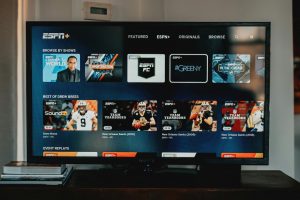
August 9, 2026
Best IPTV 2026 : Top IPTV Providers Compared
Choosing the best IPTV in 2026 has become more complex than it may seem. With differences in stability,...
Read the article ->
July 19, 2026
Install IPTV Smarters Pro on Smart TV – Complete Guide 2026
How to install and configure IPTV Smarters Pro on LG webOS Smart TVs: app store steps, playlist setup,...
Read the article ->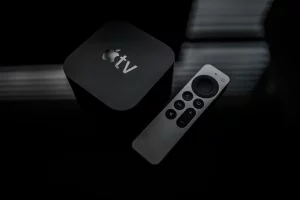
April 9, 2026
Install IPTV on Apple TV: Complete Guide 2026
How to install and configure an IPTV subscription on Apple TV 4K with GSE Smart IPTV — Dolby...
Read the article ->